Tell the story over time
Mix one early photo with recent moments. A clear timeline makes the collage meaningful even to people who were not present for every memory.
 Pixemon
Bring party pictures, childhood photos, selfies, and small details together in one personal birthday design. Start with a ready-made portrait layout or arrange every photo box yourself.
Free to use. No account required. Normal photo editing runs in your browser.
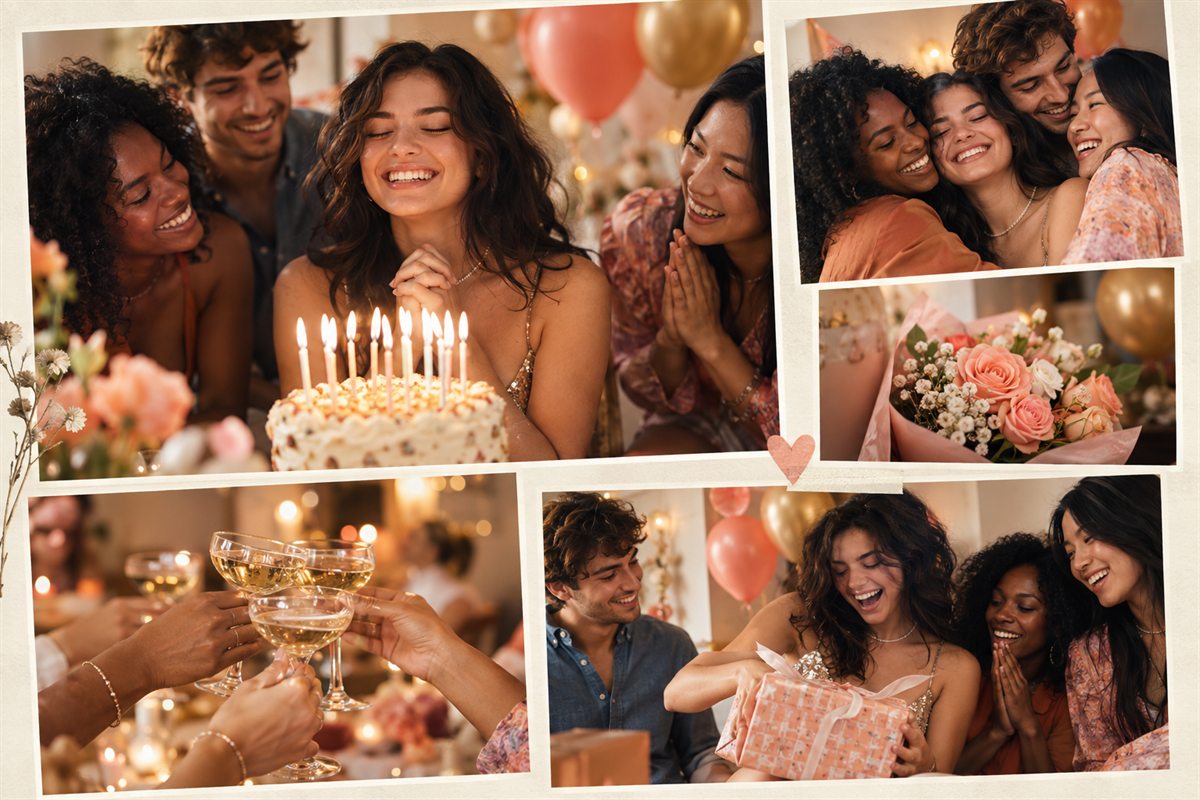
Mix one early photo with recent moments. A clear timeline makes the collage meaningful even to people who were not present for every memory.
Give the strongest portrait or party photo more space, then use smaller frames for cake, decorations, invitations, and candid reactions.
Use a tall layout for a phone story, an 8×10 composition for a frame, or a custom canvas for a card and digital message.
Start with a recent portrait as the largest image. For the remaining five slots, choose one childhood picture, one shared outing, a family or friendship group, a candid expression, and a small detail such as a handwritten card. This gives each picture a job instead of repeating six nearly identical cake photographs.
If the birthday spans several decades, arrange the smaller pictures from oldest to newest. Add the year only when you know it; an uncertain date is better left out than presented as a fact. Keep any greeting short enough to read at the finished size. A name and one sentence usually leave more room for the memories than a long poem.
Use the original scan or camera file when possible. Screenshots from messaging apps may be smaller or have text and interface elements baked into them. Put a low-resolution childhood photo in a smaller slot and reserve the hero position for a sharper image. Enlarging a file changes its pixel count but cannot recover missing facial detail.
Preview the collage at roughly the size of the intended frame. Make sure nobody's face is cut by a slot edge, captions do not sit behind the frame lip, and the greeting contrasts with its background. Ask the lab whether its borderless printing trims the outside edge; keep important details inward rather than relying on the preview edge as a safe boundary.
For a surprise, send the proof only to someone helping with the gift. Before posting a public version, ask the people pictured whether they are comfortable sharing childhood or private family photographs. You can make separate print and social versions with different pictures and less personal text.
Yes. Pixemon can be used without creating an account.
Yes. Start with an 8×10 or 8×12 layout, export at high quality, and confirm your printer's paper and scaling settings before printing.
Four to six photos usually create a clear, balanced design. Use a custom collage when you need a larger memory board.
Choose the Magazine Mix template and replace each photo slot with a favorite memory.