A day in four moments
Open with a scene-setting view, follow with small details, and finish with a portrait or memorable final moment.
 Pixemon
Fit several travel, lifestyle, event, or creator photos into one tall composition. Pixemon's Social Story template gives five photos a clear visual rhythm without forcing them into identical boxes.
Free to use. No account required. Normal photo editing runs in your browser.
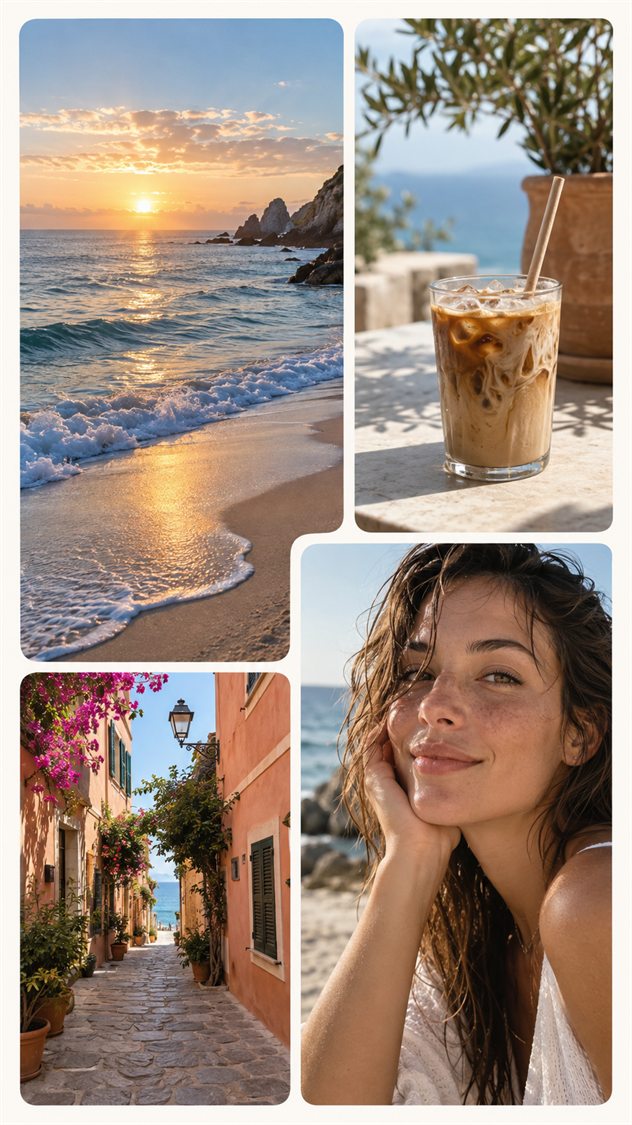
Open with a scene-setting view, follow with small details, and finish with a portrait or memorable final moment.
Mix a landscape, food or drink, architecture, and people so the Story communicates more than a location alone.
Combine product details, colors, textures, and portraits in one vertical composition before posting a campaign or collection.
A tall collage works best when the viewer understands it immediately. Start with one leading image and two or three supporting details. For a day-trip story, use a destination photo, a close-up of food or architecture, and a candid moment. Keep the order intentional: an establishing image followed by details is easier to follow than several unrelated crops.
Pixemon's named Social Story template is a tall collage design, not a guarantee that its export matches a platform's current upload specification. Check the final pixel dimensions and aspect ratio. A 9:16 canvas can be represented by 1080 × 1920 pixels; an 8 × 10 inch collage has a different ratio and may be cropped or padded when placed in a full-screen story.
Keep faces and essential wording away from the very top and bottom. Account names, reply controls, captions, and stickers may occupy those areas, and their position can vary by device or app version. There is no safe margin that can replace checking the actual posting preview. Keep the exported collage as a clean image and add platform-specific stickers inside the social app if needed.
Use one short heading and avoid tiny captions in every slot. Put text over a quiet area or a solid panel so it remains readable without covering the subject. Review the result at phone size rather than judging only a large desktop preview. If the story needs a paragraph to explain, split the narrative into more than one screen.
Keep a separate print layout for framed gifts. Reusing a tall story design as a wide photo print usually forces a choice between cropping and empty borders. Read the print-ready collage guide when your destination is paper rather than a phone.
Yes. Pixemon includes a free Social Story layout and does not require an account.
The built-in Social Story design contains five photo slots. The custom collage builder can be used when you want fewer or more photos.
No. Pixemon creates and saves the collage image; you choose when and where to upload it.
Open the portrait template, fill each slot, and export the complete collage from your browser.