
10 Photo Collage Layout Ideas That Make Pictures Work Together
Putting photos together is easy; making them look like they belong together takes a few decisions. These ten ideas come from the way Pixemon's collage templates are built, and each one is something you can try in a few minutes.
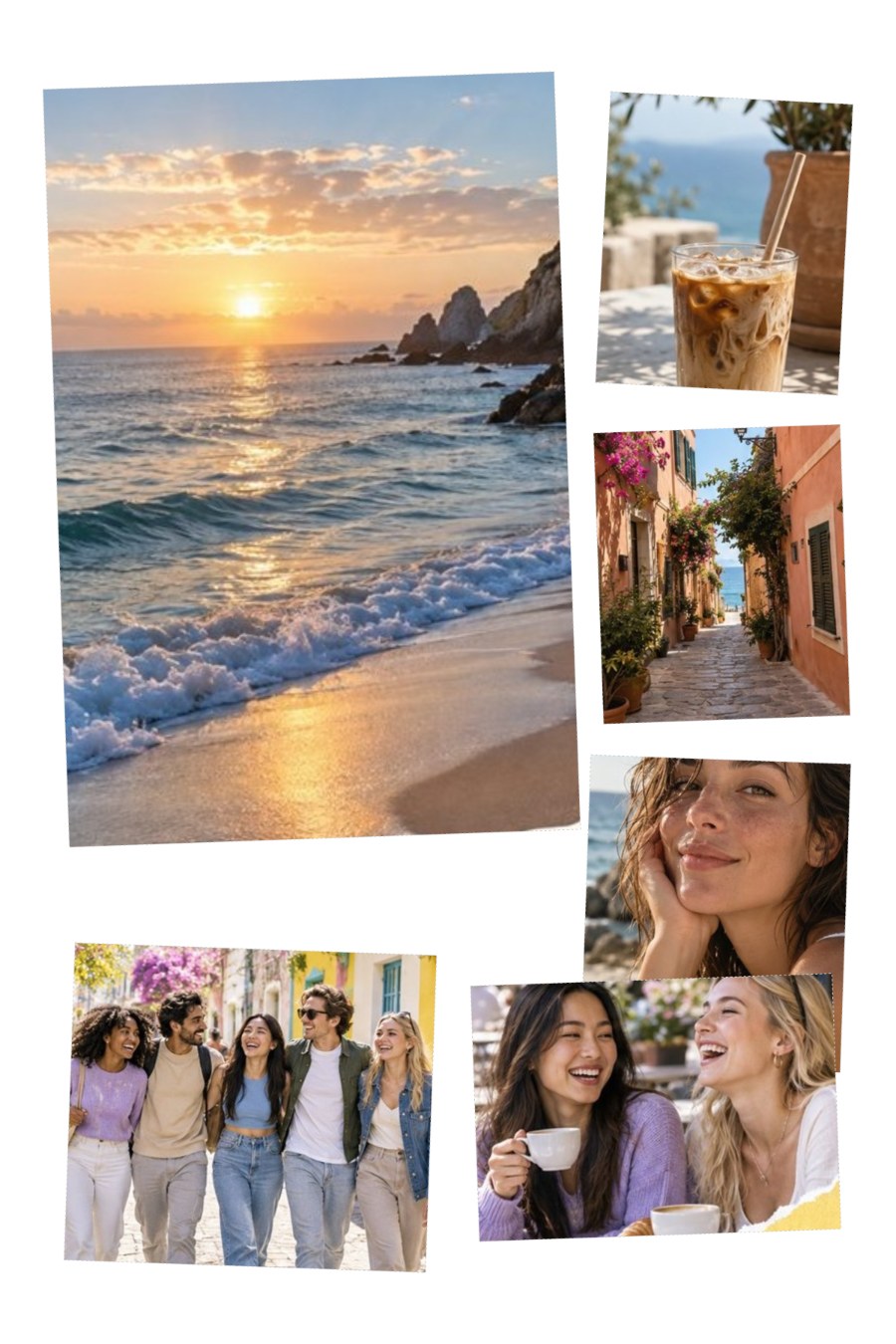
1. Choose one lead photo
When every photo is the same size, nothing stands out and the eye wanders. Pick the strongest picture, a happy portrait or the best view of the place, and make it clearly larger than the rest. In Pixemon's 8x10 Social Story template the lead box is 116 × 152 mm, while the four supporting boxes are between 58 and 90 mm wide.
2. Tell the story in order
People read a collage like a page: top left to bottom right. Placing photos in time order, from getting ready to the celebration to the last photo of the night, turns a set of pictures into a short story. This works especially well for birthdays, trips, and a baby's first year.
3. Pair wide shots with close-ups
A collage of only wide shots feels distant; one of only close-ups feels cramped. Combine both: a beach or skyline with a close-up of a coffee cup, a hand holding a ticket, or a laughing face. The wide shot sets the scene and the close-ups carry the feeling.
4. Match the colours
Photos taken in very different light can clash: a warm indoor photo next to a cool blue outdoor one. Choose photos with similar tones, or adjust them so they sit together. In Pixemon, the Yellow, Magenta, and Cyan buttons warm or cool a photo, and the B&W and Sepia filters can unify a set of very different pictures. Our colour and brightness guide explains how.
5. Leave consistent space
Even gaps between photos make a collage look deliberate. Pixemon's layouts keep a white border of up to 10 mm around the photos; in a custom layout, use the same gap between every box, typically 2 to 4 mm. Inconsistent gaps are one of the quickest ways to make a collage look accidental.
6. Add a slight tilt for a casual feel
A tilt of one to three degrees on some photos gives the look of prints pinned to a board. Pixemon's built-in templates use exactly this: the Social Story lead photo is turned −2° and its neighbours +2° and −2°. Tilt photos in opposite directions so the collage stays balanced, and keep the angles small; larger tilts crop more of each photo.
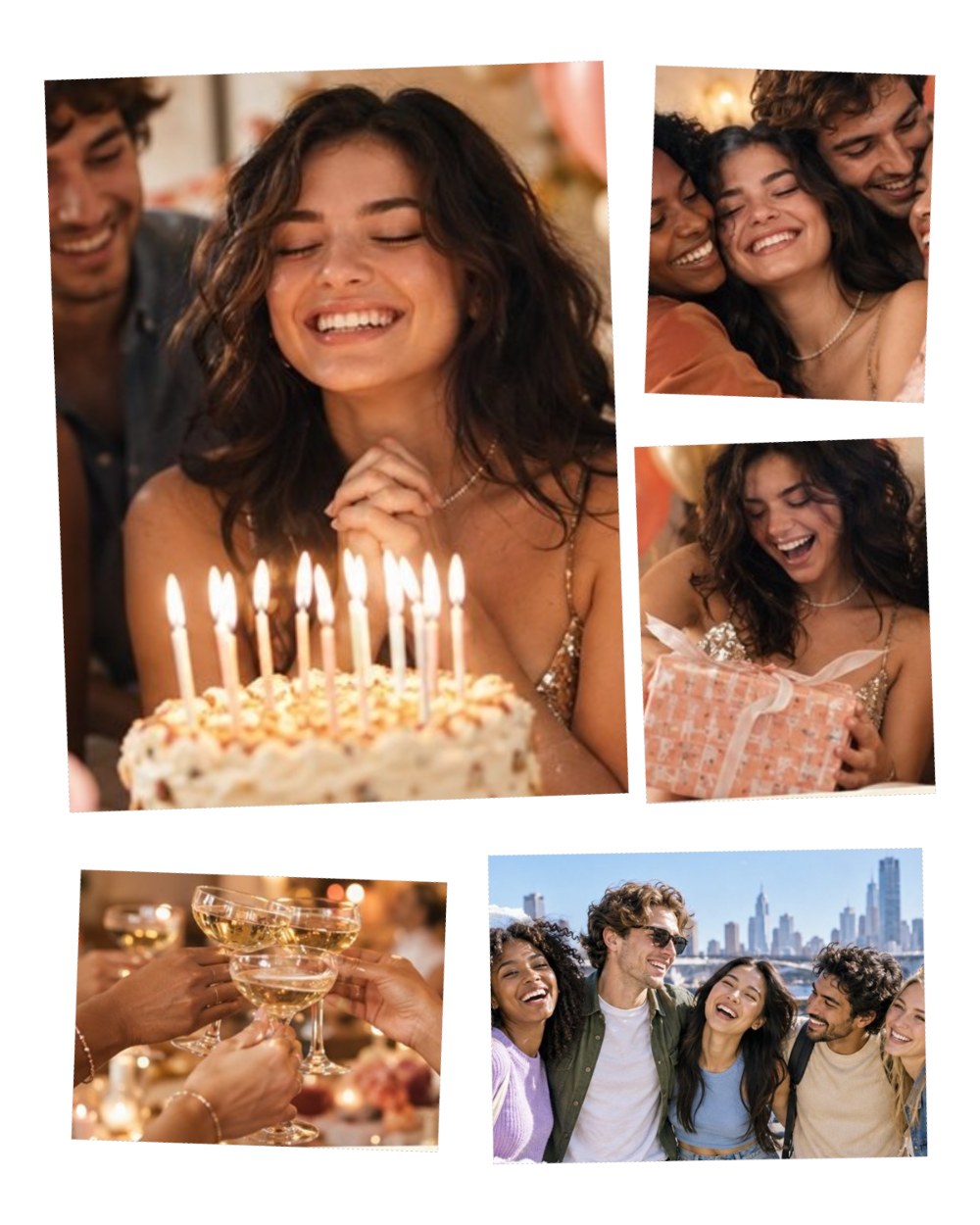
7. Use a grid when the photos are equal
Not every collage needs a hero. When the photos really are equal, four seasons, four angles of the same object, or one photo of each family member, a simple grid is the honest choice. Pixemon's Multi-Image 4 in 1 layout is a straightforward four-photo arrangement for this.
8. Mix posed and candid photos
A formal group photo surrounded by spontaneous moments, someone mid-laugh or a child looking the wrong way, feels more like the real day than posed shots alone. Use the posed photo as the lead and the candid ones around it.
9. Frame it, or caption it, sparingly
A frame or a short caption can finish a collage, but too much decoration competes with the photos. Pixemon has 20 textured frames, such as wood, botanical, gilded and mat styles, plus plain white and black borders. Choose one that suits the occasion, and keep captions to a date, a place, or a few words.

10. Check it at print size
A collage that looks fine on a phone screen can look soft or crowded on paper. Before printing, look at the saved file at its real size, or print one proof copy. Make sure small photos still show recognisable faces, nothing important sits within a few millimetres of the edge, and the collage's shape matches the paper. See how to make a print-ready collage for the full checklist.
Which idea to start with?
If you only try one thing, try the lead photo. Choosing one picture to be clearly larger than the rest fixes more collages than any other change. Then check spacing and colour, and add tilt or a frame only if the collage still needs character.
Try a template
Pixemon includes collage templates for 8 × 10 and 8 × 12 prints, plus a builder for custom layouts. No account is needed.
Open the collage makerMore collage ideas: birthday collages, friendship collages, and Instagram Story collages.