Best-friend highlights
Choose one main portrait and surround it with small moments that show your shared jokes, places, and traditions.
 Pixemon
Combine group pictures, spontaneous selfies, trips, cafe catch-ups, and everyday fun. Use a balanced template for a quick result or build a layout that matches your own story.
Free to use. No account required. Normal photo editing runs in your browser.
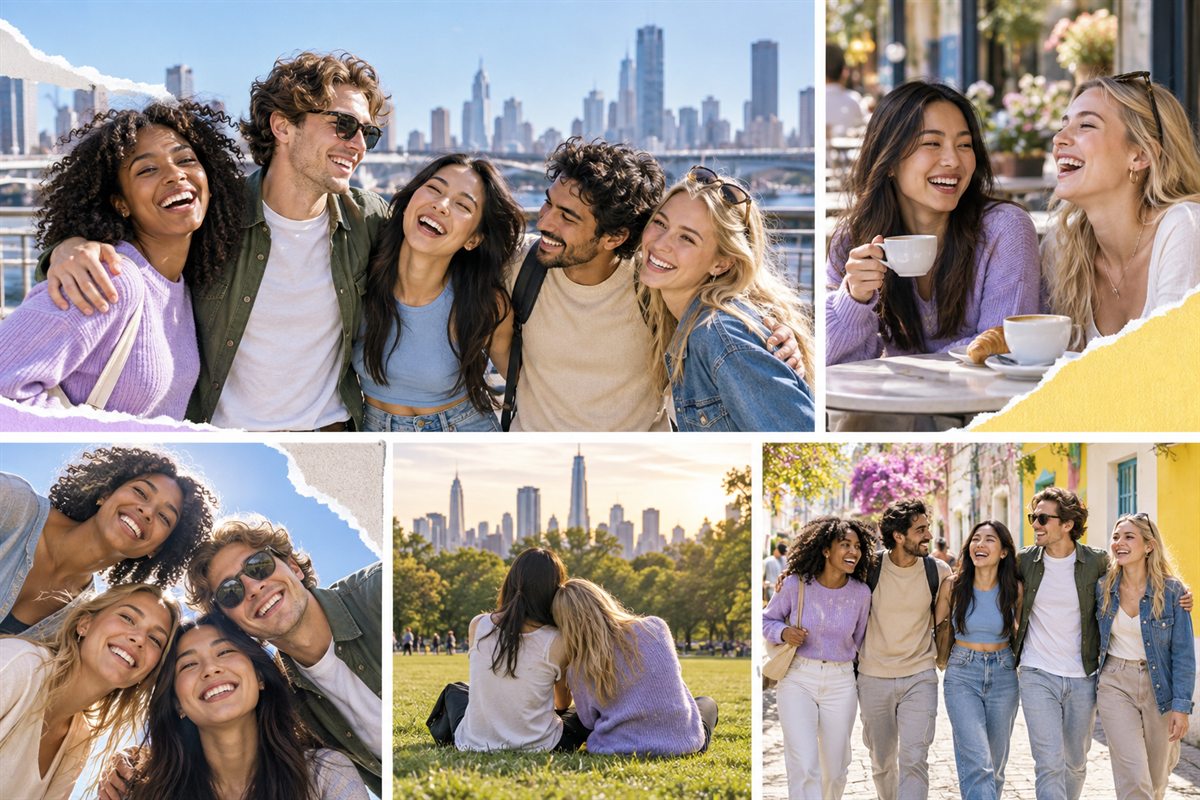
Choose one main portrait and surround it with small moments that show your shared jokes, places, and traditions.
Bring orientation, events, clubs, festivals, and graduation pictures into a single keepsake for the group.
Mix a group photo with locations, meals, tickets, and candid details to tell the story of the day.
Try a four-part structure: where you met, something you regularly do together, a memorable adventure, and a recent picture. A ticket, café table, or shared project can give context between portraits. Choose those details because they mean something to your group, not simply because an empty slot needs filling.
For a farewell gift, a chronological sequence often works better than a random collection. For a group reunion, give each person comparable space. Count appearances before exporting: a visually balanced arrangement can still feel unbalanced if one friend appears in every slot and another is barely visible.
A wide group photo needs a wide box. If you force it into a tall portrait slot, the people at both edges may disappear. Change the layout or choose another photo instead of squeezing faces. Keep everyone's eyes away from borders and inspect the actual slot preview, not just the original image.
Pictures from different phones can vary in color and brightness. Make small adjustments while comparing adjacent images, and stop when skin tones remain believable. A simple border and consistent gaps can unify the collage without making every photograph look identical. If one night-time photo is too dark, a smaller supporting position may work better than extreme brightening.
Ask friends before publishing images from private gatherings or including names, locations, and inside jokes. For a public post, use a short caption rather than addresses, travel details, or a full itinerary. A version intended as a private printed gift can contain memories that do not belong on an open social profile.
Save the original files separately, and check the exported collage before sending it. Look for duplicated slots, missing people, misspelled names, and small text that becomes unreadable on a phone. Keep the strongest single group photograph available too: sometimes it is the better cover image for the finished gift.
Yes. You can open the Pixemon editor and create a collage without an account.
Yes. The custom collage builder gives every photo box its own position, width, height, and rotation controls.
Creator Grid fits seven photos, while Poster Mood fits six. A custom layout is useful when everyone needs equal space.
Start with the six-photo Poster Mood layout, then replace each slot with one of your shared memories.